
Build your first Android app
Create a project from a local repository, run the Android test app pipeline, and download the debug APK.
On this page you create a project for your Flutter app, build a debug APK, and download it. A debug build needs no signing keys, so it is the quickest way to prove that Oore can build your app.
What you need
- Oore set up on this Mac, from Complete first-run setup.
- Android Studio and the Android SDK, from Check that your Mac is ready.
- A Flutter app in a Git repository on this Mac, with no
.oore.yamlor.oore.ymlfile.
First, check the Android toolchain the runner will use:
oore doctor --platform androidThe command ends with All selected required checks passed.
1. Create the project
- In the Oore web UI, open Projects and select New project.
- Enter a Name.
- In Path, enter the absolute path to the app’s Git repository, such as
/Users/you/code/my_app. - Leave Default branch empty unless Oore should build a branch other than the repository’s default.
- Select Create project.
Repository trust
Creating a project trusts that repository’s code to run with your macOS account’s permissions. Use a repository you would run on this Mac yourself. How Oore trusts Direct macOS runners explains why.
Oore shows Project created and opens the project.
2. Create the pipeline
- On the project’s Pipelines tab, select Set up a build.
- Under Start from, keep Android test app selected. It builds a debug
APK with
flutter build apk --debugand needs no signing. - Select Create pipeline.
Oore shows Pipeline created and opens Run build with the new Debug APK
pipeline selected.
3. Run the build
- Check that Branch names the branch you want to build.
- Select Run build.
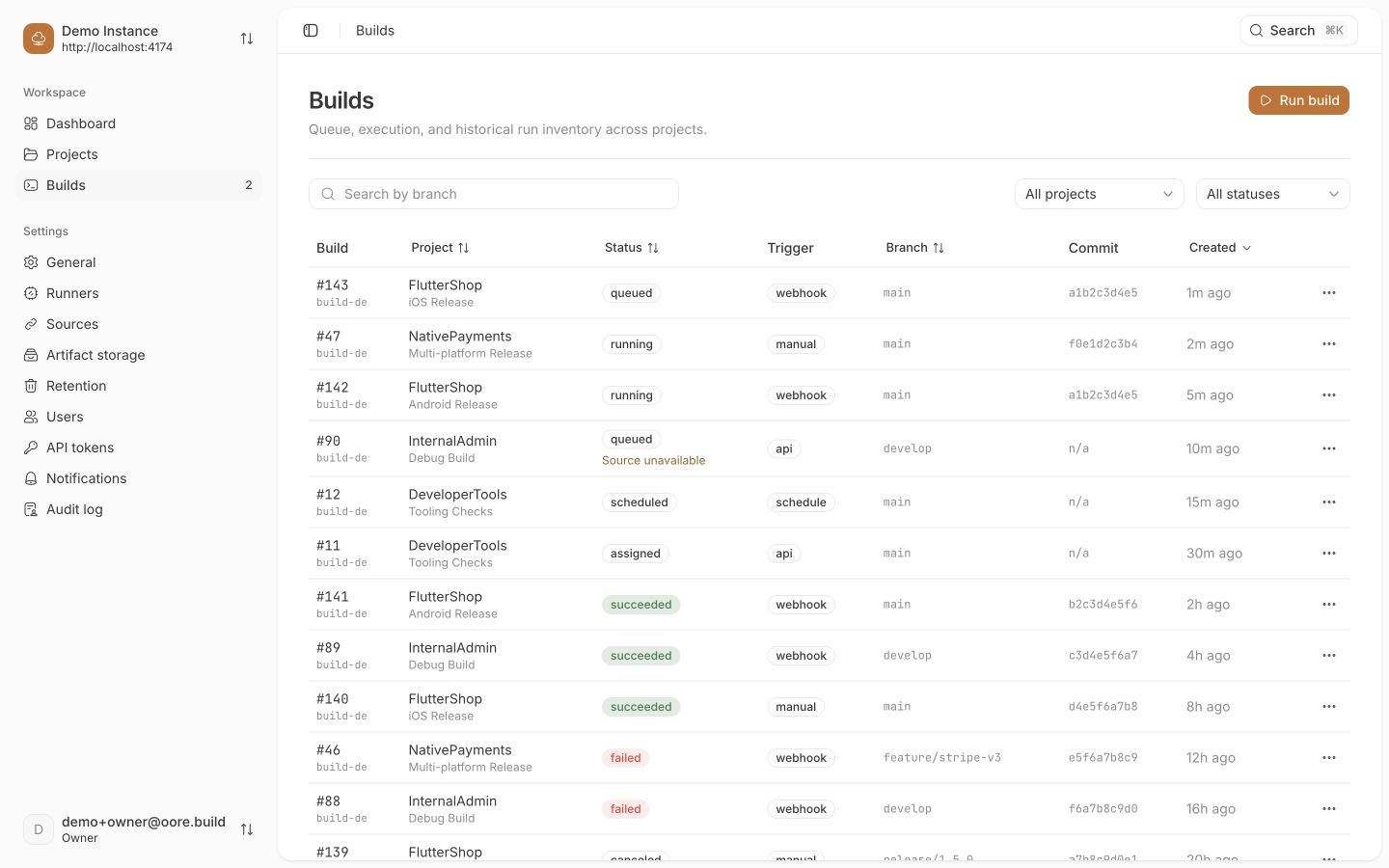
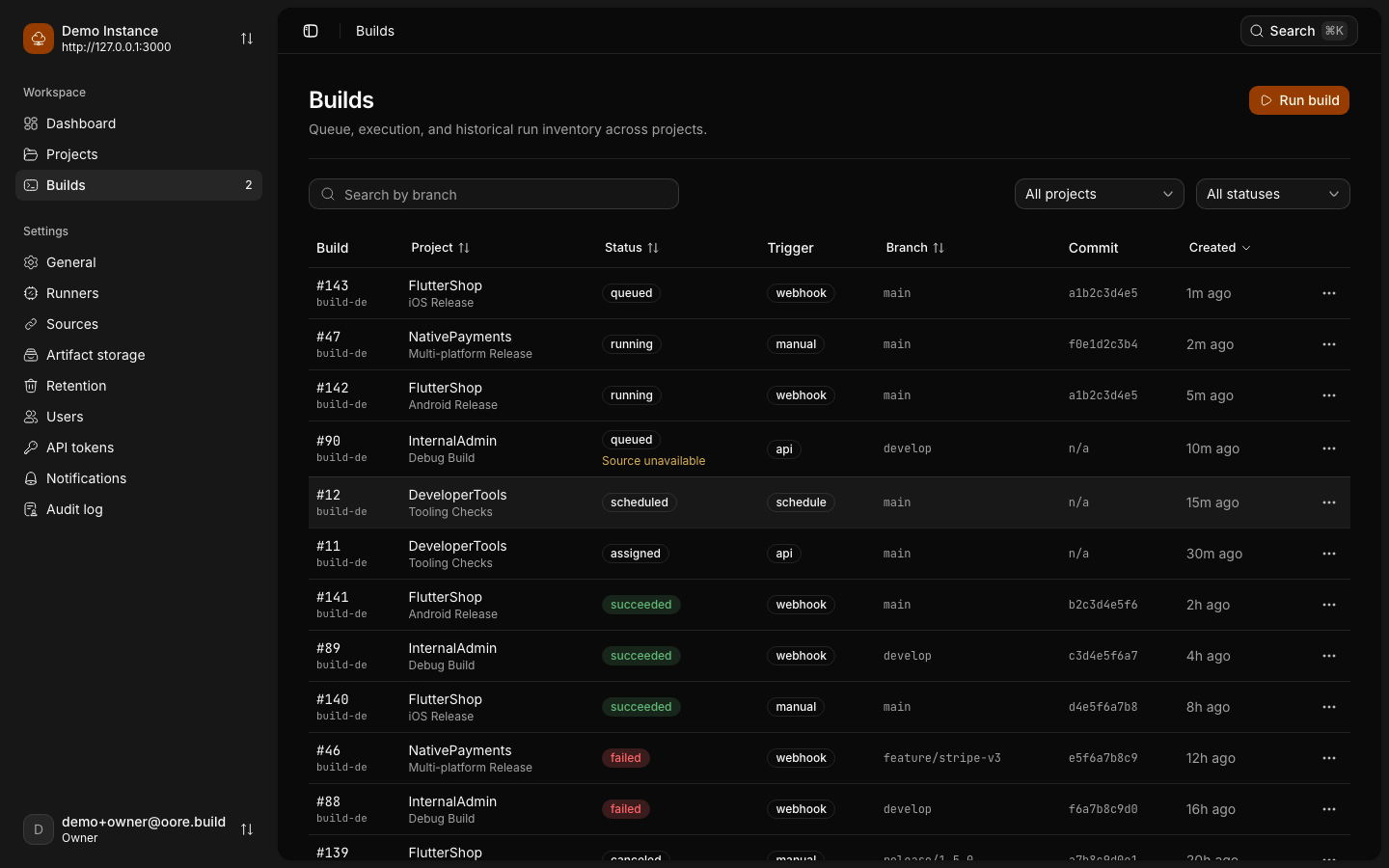
Oore opens the build page. Follow the steps and the log as the runner fetches packages and builds the APK. A first build can take several minutes while Gradle downloads its dependencies.
Check the result
The build ends as Succeeded. Under Artifacts, select Download next
to the .apk file. The downloaded file is a non-empty .apk.
To try it, drag the APK onto a running Android emulator, or install it on a
phone connected with USB with adb install <file>.apk.
Troubleshooting
The build stays queued
Open Settings > Runners. If no runner is Online, run oore status and
check the runner service. If Accept builds from approved repositories is
off, turn it on. Builds wait while it is off.
The build fails at the Flutter version check
The repository asks for a Flutter release that is not the one installed. Fix the installed version as in Install Flutter where the runner can find it.
Oore offers a repository workflow instead of the templates
The repository already has an .oore.yaml or .oore.yml file. Select
Set up manually to use the templates, or keep the workflow and read
Move a pipeline into .oore.yaml.
The project form rejects the path
Use an absolute path to a folder that is already a Git repository on this Mac. The Browse button works only when you use Oore on this Mac.