
Build your first debug APK
Create a Local Only project, run Quick Debug APK, and download the resulting artifact.
Create a project from a Flutter repository on your Mac, run the Quick Debug APK pipeline, and download the resulting APK.
What you need
- Oore installed with the default complete install on one Mac.
- A completed first Local Only sign-in.
- A Flutter project that is already a local Git repository.
oore doctor --platform androidending withAll selected required checks passed.- No
.oore.yamlor.oore.ymlin the repository for this template-first tutorial. - One runner shown as online under Settings > Runners.
1. Create the project
- Open Projects.
- Select New project.
- Enter a Name.
- In Path, enter the absolute path to the local Git repository.
- Add Default branch (optional) only when Oore should not use the repository default.
Repository trust
Creating or relinking a project trusts that repository’s commands to run with the Direct macOS runner account’s permissions. Use a repository you would run on this Mac yourself.
- Select Create project.
Oore opens the new project and shows Project created.
2. Choose the debug pipeline
- Under Pipelines, select Set up a build.
- Under Choose a starting point, select Quick Debug APK.
- Select Create.
The template creates the Debug APK pipeline, runs
flutter build apk --debug, and collects
build/app/outputs/flutter-apk/*.apk. It does not require uploaded
release-signing material.
Oore shows Pipeline created when the pipeline is ready.
3. Run the build
- Select Run build.
- Keep the
Debug APKpipeline and the intended branch selected. - Select Run build in the dialog.
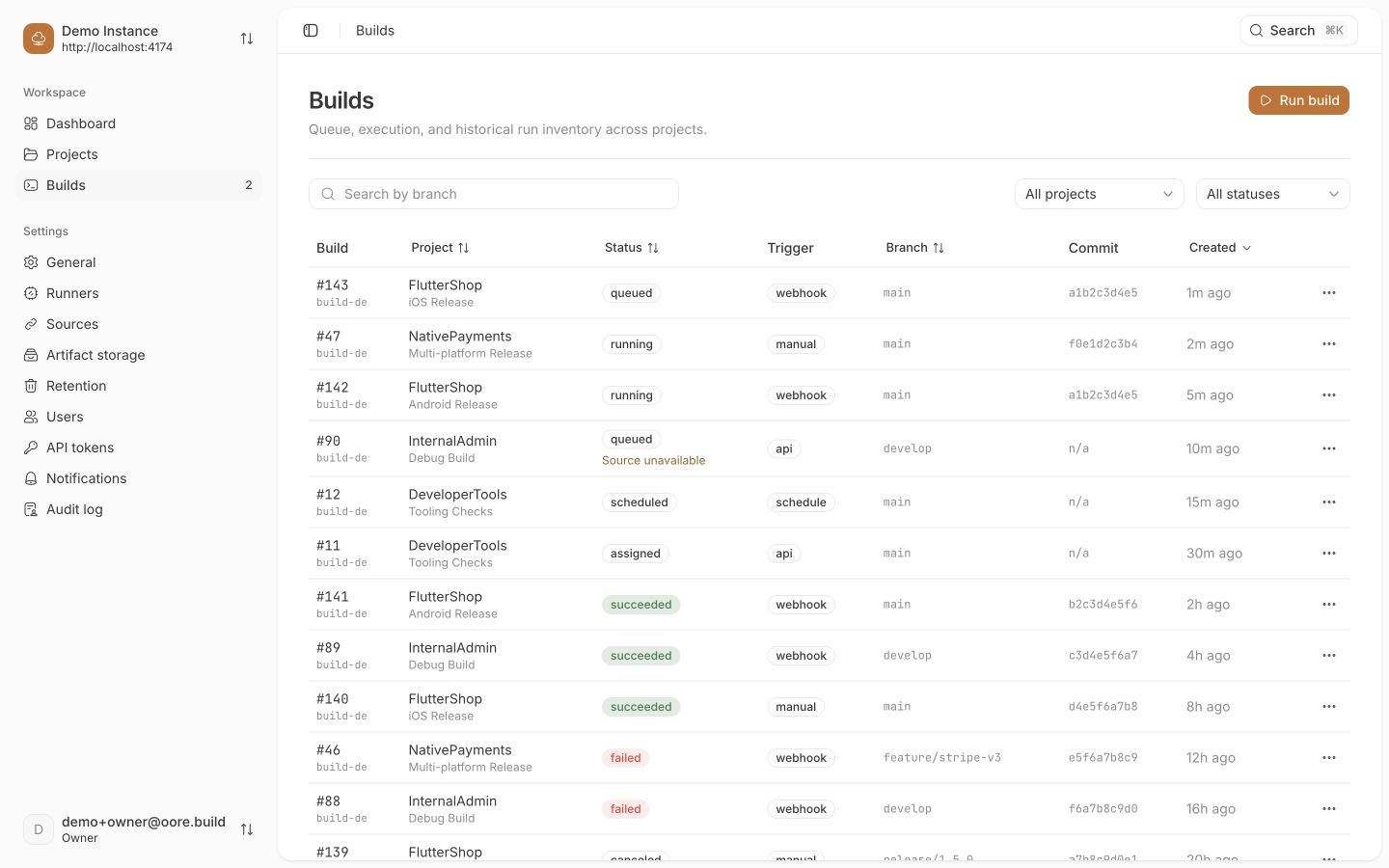
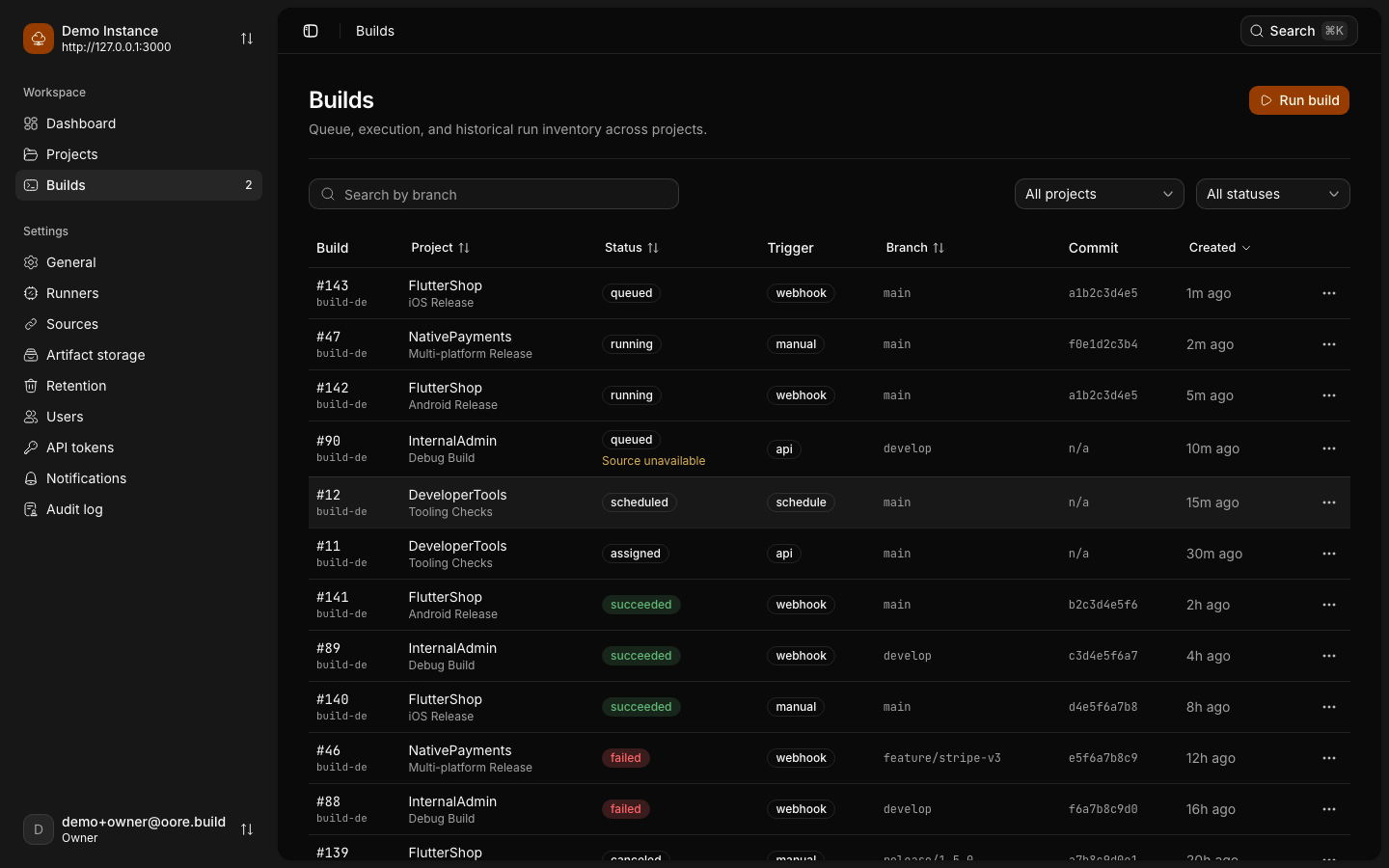
Open the build to follow its progress.
Verify the result
The build ends in succeeded. Under Artifacts, find the .apk and select
Download.
The tutorial is complete when the downloaded file is a non-empty .apk.
Troubleshooting
The build stays queued because the runner is paused
Open Settings > Runners and turn on Allow approved repositories. This allows new claims; it does not create a second repository approval step or cancel running work.
Oore finds a repository workflow instead of the starter templates
The repository already contains a selected Oore workflow. Validate
.oore.yaml with:
oore pipeline validate .oore.yamlPass the actual selected path if the repository uses another workflow file, or use a repository without an Oore workflow for this tutorial. Oore does not silently replace an invalid selected file with UI configuration.
The project form rejects the path
Use an existing absolute path to a Git repository on the backend Mac. Folder browsing is available only over loopback.
Next step
Move this working pipeline into .oore.yaml so
the build definition changes with the repository.